Services
Mobile app built for your staff
Internal apps for job sheets, checklists, sign-off and photographs — working where the work happens, signal or none.
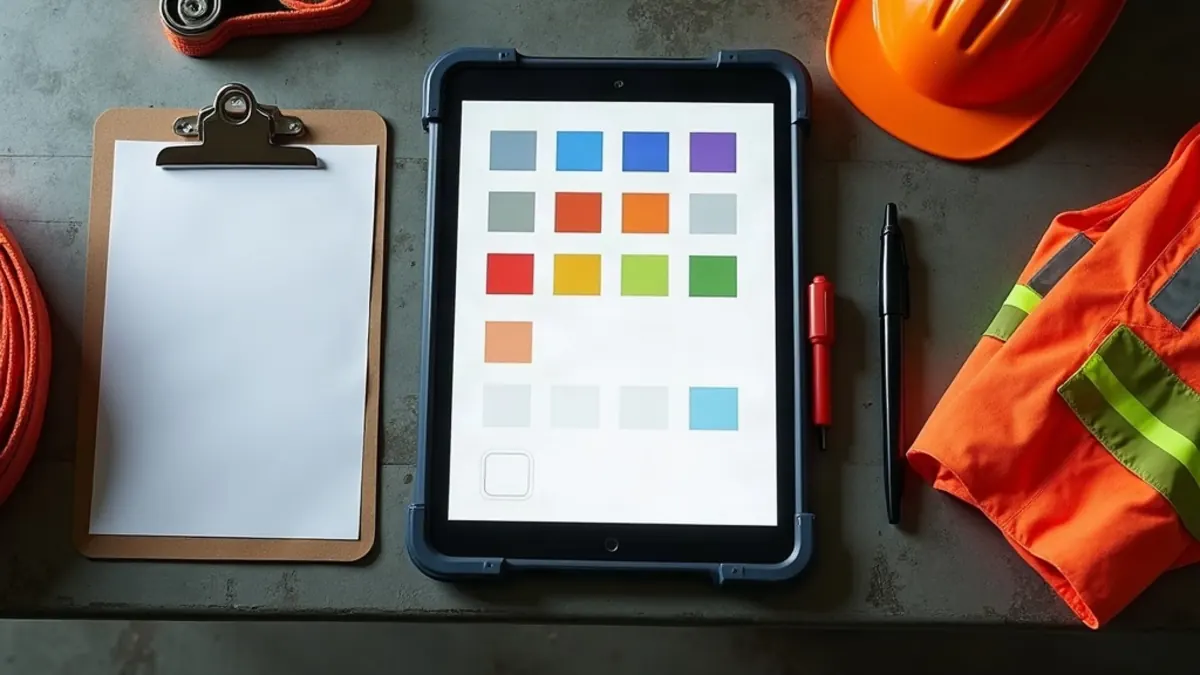
Your team shouldn't be fighting a spreadsheet and a clipboard in a van. We build internal apps that put the essentials in their pocket — job lists, checklists, clocking on, photographs, signatures — and keep working when the signal doesn't. Most of the businesses we build these for here are trades, marine services and property teams, whose people spend the working day well out of coverage.
- Pilot first
- Before full rollout
- Offline
- Works, then syncs
- Devices
- Whatever staff own
- Access
- By role, logged
Where AI fits in a staff app
Turning a messy voice note from a site into a structured job entry, so nobody types one-handed in the dark, or condensing years of job history so an engineer can see what's been done before quoting for the same fault. Useful where the input is a mess and a person reviews the output. Not useful for anything that sets a price or sends someone out on its own.
If they don't open it, it doesn't exist
Nobody ever accuses an internal tool of being too good, so this is worth saying: a new system that is slower than what people do now gets routed around by lunchtime, usually into a WhatsApp group and a good memory. We design for the two minutes a busy person actually has, and we involve the people who'd use it before it's finished rather than unveiling it and hoping for the best.
Built for a phone, one-handed, in the sun
If your people are at a villa, on a boat or in a workshop yard, then that's the environment the app has to survive: a phone, held outdoors, one-handed, with the screen at an angle that isn't square on. Those are the conditions we design for, not a desk — because a desk isn't where the work happens.
It keeps working without a connection
The usual way these fail in the field isn't a dropped signal — it's the work that disappears because nobody could submit it. Capture it offline, sync it later, and it holds up. That's the difference between a tool people trust and one they stop opening.
Fewer taps per job
Each tap is a point where somebody
Photographs and signatures, because that's what settles arguments
More internal disputes on this coast are about what was done and when than about money. Time, location, before-and-after photographs and a signature on the screen at the end of the job are a small amount of engineering that removes a disproportionate amount of argument afterwards.
Who can see what
Staff apps often hold customer addresses, access details and photographs of somebody's home. Permissions are set by role, so nobody sees more than their job requires, and every action is recorded. It's unglamorous, and it's the first question anybody handling customer data properly will ask.
What’s included
- Jobs and tasks managed from the phone
- Forms, checklists and sign-off on site
- Works offline, then syncs when it can
- Secure, role-based access to customer details
- Connects to the systems you already run
Why it matters
- Faster, more accurate work out in the field
- Less paperwork and fewer jobs chased
- Staff who don't quietly resent the new system
Often useful alongside this
- Mobile app design which covers the design and build of the staff app itself.
- Web & software applications if the back-office system behind the app also needs building.
Common questions
- Will our staff manage it?
- On whatever handset they're already carrying. Nobody is asked to buy anything, and where the phones in use are a few years old we design and test against those, because that's the constraint that actually exists.
- What if the team simply won't use it?
- That tells you the design failed, and that's on us rather than on them. The fix is to put the people who'd be using it in front of a prototype, watch them attempt a real job, and remove whatever made them stop. Software that nobody opens is a worse outcome than the paper it replaced.
- Does it have to cope with no signal?
- For most field work around here, yes — that's where the work actually happens, whether it's a villa on a hillside or a boat out of the bay. Offline capture and later syncing means nothing is lost when somebody is out of coverage.
- What happens to customer information?
- Access is granted by role and every action is logged, so each person sees what they need and you can see who did what. We'll also walk you through what Ley 172-13 and the GDPR actually require in practice, rather than leaving you to guess.
- How long does a rollout take?
- Six to ten weeks for a focused internal tool, including testing with your actual staff rather than a test group. We pilot with two people first, because finding the problems before a full rollout costs a fraction of finding them afterwards.
Free, no-obligation
Get a free website audit and quote
Tell us about your business and we’ll come back with honest, friendly advice — including a clear quote and what we’d improve first.
Trusted by businesses across the Dominican Republic